Buildbox vs Construct for Non-Coder Game Makers
Buildbox excels at quick mobile games while Construct 3 handles complex logic better.
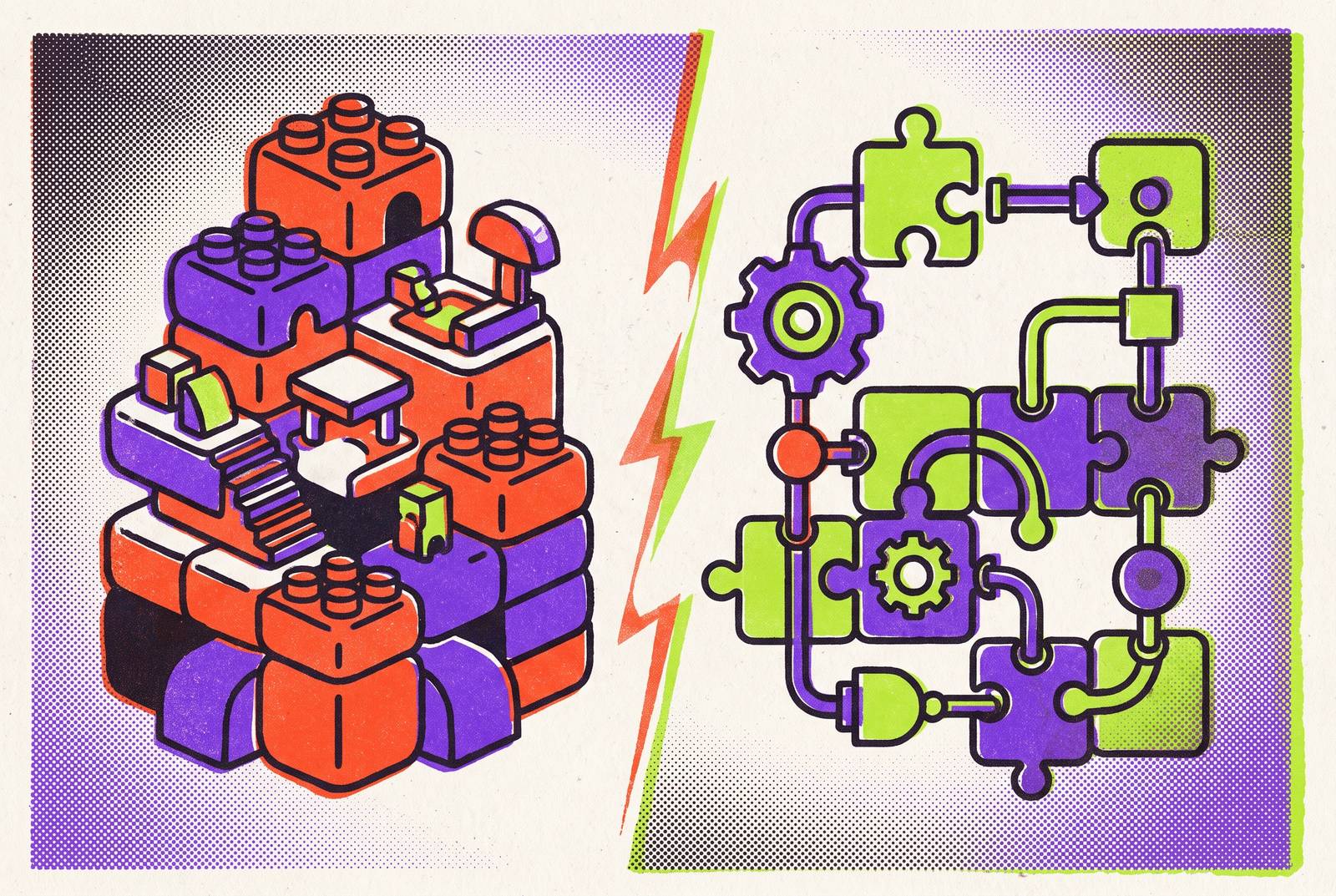
Buildbox and Construct 3 both let someone with zero programming background build a real, shippable game, though what separates them is not polish or friendliness but the shape of the game each one can actually finish. What separates them is not polish or friendliness but the shape of the game each one can actually finish, because the two tools solve the no-code problem in genuinely different ways, and the concept you start with will run into one tool's ceiling long before it touches the other's. Buildbox has been around since 2014, founded by Trey Smith and later acquired by AppOnboard in 2019, while Construct 3 has been built by Scirra since 2017, with Scirra itself dating back to 2011. Both have had years to mature, but they matured toward different targets. The rest of this piece walks through how each tool actually works, what each one costs once you try to make money from a finished game, and where a third option, arriving later than either, has started pulling in non-coders whose ideas outgrow both.
Buildbox: drag-and-drop behaviors for fast, simple mobile games
Buildbox's whole design point is speed to a playable build. Drag an object onto the canvas, assign it a preset behavior, hit play, and see it move. No event sheets, no scripting, no node graphs to untangle. That directness is not a limitation bolted onto a more ambitious tool; it's the product. Buildbox 4, launched in April 2024, added AI-prompt-driven creation, letting a creator describe a game concept in plain text and get a starting point back, making it even faster to reach a first prototype of a simple idea, and Buildbox Content's 4.1.1 release added Agentic AI, extending the AI layer further into the workflow.
The proof of concept for this approach is Color Switch, which climbed to the top of the US App Store and racked up a massive download count after reportedly being built in about a week. That reflects a tool tuned tightly around one genre: the reflex-based, one-mechanic mobile game that lives or dies on how fast it loads and how instantly the player understands it.
Buildbox's export list confirms where its attention lives. The official page lists iOS, Android, Windows, macOS, Steam, Apple TV, Amazon Mobile Devices, and Amazon TV, a mobile-first spread with Steam as the only storefront destination and no console export at all. 3D support exists in both Buildbox 3 and Buildbox 4, but Buildbox's 3D tools are not as advanced as those in Godot or Unity, a meaningful gap for anyone whose idea grows past a flat arcade loop.
None of this makes Buildbox a lesser tool. It makes it a specialized one. The same drag-and-drop system that gets a hyper-casual concept onto a phone screen in days is structurally unsuited to a role-playing game, a strategy title, or anything built on systems that talk to each other in complicated ways, and forcing that kind of complexity through Buildbox's behavior model has been described as trying to push a square peg through a round hole. Buildbox stores everything in a proprietary format, so a concept that outgrows the engine cannot be carried over and has to be rebuilt from scratch elsewhere.
Construct 3: event sheets that handle logic Buildbox cannot
Construct 3 starts from the same promise, no code required, but reaches it through a different mechanism. Its event-sheet system runs on a condition-action model: define a condition, attach an action that fires when the condition is true, and chain as many of these pairs together as the design calls for. It stays fully visual throughout. Nobody is typing a function or managing a variable's scope by hand. But the chains this system can express, branching conditions, objects that pass state to one another, multi-stage logic that tracks where the player is in a larger sequence, sit well beyond anything Buildbox's preset behaviors were built to handle.
Construct 3 positions itself for indie developers, schools, colleges, universities, and businesses of all sizes, a broader mandate that reflects its wider logic ceiling. A tool built for a classroom teaching branching logic and a tool built for a solo developer prototyping a puzzle game with interlocking mechanics both need that same event-sheet depth, and Construct 3's broader mandate follows directly from having it.
The trade-off is dimensional. Construct 3 is a 2D engine at its core. A 3D model object was added in 2026, giving it limited 3D capability, but the engine's fundamental orientation stays two-dimensional, which matters enormously for anyone whose concept requires a real 3D space to move through. From one project it exports to Web, Windows, macOS, Linux, iOS, and Android, a broader platform reach than Buildbox on desktop and web, though like Buildbox it has no native console export built in, since any such path would come from third-party integrations rather than from Scirra. Construct 3 runs entirely in the browser, so a project follows a developer across machines without any install step, which suits classroom use and anyone who bounces between a laptop and a desktop. Scirra has kept up a fast release cadence too, shipping roughly one update a week through 2025 according to Construct's own year-in-review.
Users often start with Construct and move to more complex engines over time, and the research describes it as a tool some developers treat as transitional rather than a permanent destination. That's a fair description of where it sits in a developer's growth curve, and it sets up a question this piece returns to later: what happens when a non-coder outgrows both Buildbox and Construct 3 at once.
What each tool costs and keeps when you ship
Price tags only tell part of the story here. What each company keeps from a game after it ships changes the real cost math beyond a budget line item. On Buildbox's free tier, ad revenue runs through its own Adbox system, and the split favors Buildbox: the majority of that ad revenue goes to the platform, leaving the developer with a minority share. Stepping up to Classic Plus, billed yearly, shifts that ad-revenue split back toward the developer. According to Buildbox's own pricing page, its paid tier starts at a monthly price.
Construct 3's pricing, based on a September 28, 2026 Capterra listing and the egmatic.com comparison published June 8, 2026, works out to a higher annual equivalent. What Construct 3 does not do, on any tier, is take a cut of what a published game earns. A developer keeps everything, from the cheapest plan up.
That's the number that actually matters for anyone planning to monetize through ads rather than paid downloads. A developer running a hyper-casual game through Buildbox's free tier is handing over a bigger slice of ad revenue to Buildbox than either Apple or Google charges for the same transaction. Buildbox's revenue-sharing model on its free tier takes a larger cut of ad revenue than the App Store or Google Play does, and Classic Plus, billed yearly, raises the ad revenue share in the developer's favor. But fixing it costs a real, recurring amount, and a developer has to decide whether that ongoing cost beats simply giving up a share of revenue on the free tier. Construct 3 sidesteps the question entirely: whatever the monthly rate is, it's the whole cost. There's no second charge hiding inside the revenue model.
Matching game concepts to Buildbox or Construct 3
The right tool depends on the game's mechanics and pricing needs, not on whichever tutorial appears first in a search. Once the mechanics and the pricing are laid out side by side, the decision mostly makes itself.
Buildbox fits a hyper-casual or casual mobile concept: endless runners, reflex-timing games, anything built on the color-switch model of one simple mechanic repeated and escalated. It fits when speed to a first playable build matters more than logic depth, provided the concept is simple enough to make that speed achievable. It fits a monetization plan built on App Store or Google Play paid sales rather than ads, since ad-based revenue is where the free tier's split does the most damage. And it fits a developer who has no need for console or Linux export.
Construct 3 fits once the concept needs logic that a reflex loop can't express, multiple game states, conditional branching, an inventory system, a dialogue tree, anything where the basic unit of design is "when this happens, check that, then do the other thing." It fits a developer who wants one project exporting to web and desktop alongside mobile, rather than maintaining separate builds for each. It fits anyone who wants to keep every dollar of revenue from day one, on the cheapest plan available. And it requires the game to be 2D: a 3D concept rules Construct 3 out no matter how much logic depth the design needs.
That last constraint points at a case neither tool covers. A non-coder with a 3D concept, real systemic complexity, and console ambitions runs out of road in both Buildbox and Construct 3 at the same time. That gap used to mean the idea simply wasn't buildable without learning to code. It doesn't mean that anymore.
Godot as a third option for non-coders in 2026
Godot has closed that gap, and it has done so through a combination that didn't exist in quite this form two or three years ago: a zero-cost MIT license, active AI tooling around it, and console-capable output with a track record to prove it. The engine is completely free, MIT licensed, with no subscription tier, no revenue share, and no feature locked behind a paywall, a cost structure that looks nothing like either Buildbox's or Construct 3's.
The output ceiling is the real headline. Titles like Brotato and Cassette Beasts have shipped on consoles built on Godot, putting the engine's practical capability at a level neither Buildbox nor Construct 3 reaches. Adoption backs that up beyond a couple of standout titles: the number of Godot games listed on Steam doubled year over year, which points to a real shift in where developers are putting their projects rather than a niche curiosity. Godot supports both 2D and 3D work natively, with a VR toolset still evolving, directly covering the dimensional gap that rules Construct 3 out for anyone with a 3D concept.
None of that makes Godot the obvious pick for every non-coder. The historical objection to Godot for non-coders was that its scripting language, GDScript, required learning something close to real programming to get anywhere. That objection was fair for years. It's the reason Godot didn't show up on most non-coder shortlists next to Buildbox and Construct 3 until recently, and it's exactly the barrier the next section addresses.
AI coding assistants and MCP integration in Godot
MCP integration transformed Godot from a code-required engine into something closer to a project-level AI assistant for non-technical creators, a shift that happened in mid-to-late 2026 and changes what "no-code" means in practice. General-purpose coding assistants, GitHub Copilot, Claude, ChatGPT among them, can already generate GDScript on request, debug the errors that come back, explain what an unfamiliar engine concept actually does, and scaffold entire systems like state machines or behavior trees. Those are precisely the pieces that used to stop a non-coder cold.
MCP, the Model Context Protocol, is the open standard that lets an AI model connect directly to outside tools and data sources; for Godot, it means an AI assistant can directly read and modify a project rather than just generating code to paste in. Applied to Godot, that means an AI assistant can open the project itself, read what's there, and make changes directly, instead of generating a block of code for someone to copy and paste by hand.
A handful of concrete tools built on this standard now exist, all confirmed within 2026. One plugin, submitted August 24, 2026, connects the Godot editor to Claude, Cursor, or any other MCP client, and gives the AI direct access to scene creation, GDScript writing and validation, project settings, error inspection, and 2D asset generation. A separate tool called Godot AI connects Claude Code, Claude Desktop, Codex, Hermes Agent, and other MCP clients to a live editor session, with operations spanning scenes, nodes, scripts, signals, UI, materials, animation, particles, cameras, and environments. A third, GDAI MCP, built by Delano Lourenco and sold as a one-time purchase, reached version 0.3.3 on September 7, 2026; it reads the scene tree, plays and stops scenes with screenshots attached, and works across Claude, Cursor, Windsurf, Copilot, Zed, and other MCP clients.
None of this is finished technology. The MCP ecosystem for Godot is still maturing as of mid-2026, and plugins vary in completeness and stability: some provide read-only access, while more advanced ones can execute editor commands, run the game, and read debug output. AI assistance also still stumbles in specific, identifiable places, deprecated Godot 3 APIs, the exact syntax for connecting a signal on a particular node type, and physics layer configuration, and a non-coder should check that output rather than assume it's correct. The workflow that holds up best treats AI as a scaffolding generator: ask for a complete state machine built around the specific states a game needs, get a working foundation back in seconds, then customize it by hand, rather than expecting a finished game to emerge from a single prompt.
What Steam's AI disclosure rules mean for non-coders
The practical question a non-coder actually needs answered is what has to be disclosed and how, before a game reaches Steam's review queue. Getting that disclosure right the first time avoids a delay at the point where a project is otherwise ready to publish, which is the moment a non-coder least wants a paperwork surprise.
Sources
- Compare Buildbox vs Construct 3 2026 | Capterra
- Buildbox vs Top Competitors: Honest 2026 Comparison
- Buildbox Game Engine: Meaning, Differences, Requirements, Cost, Use
- BuildBox 4 Announced - AI Powered 3D Game Engine – GameFromScratch.com
- Buildbox
- Construct (game engine)
- The Event Sheet View - Construct 3 Documentation
- Buildbox 4: Make Games Effortlessly with AI-Powered Game Development