AI Game Engine Evaluation Checklist for Solo Indie Developers
Evaluate AI game engines by their complete pipeline coverage, not just code generation speed.

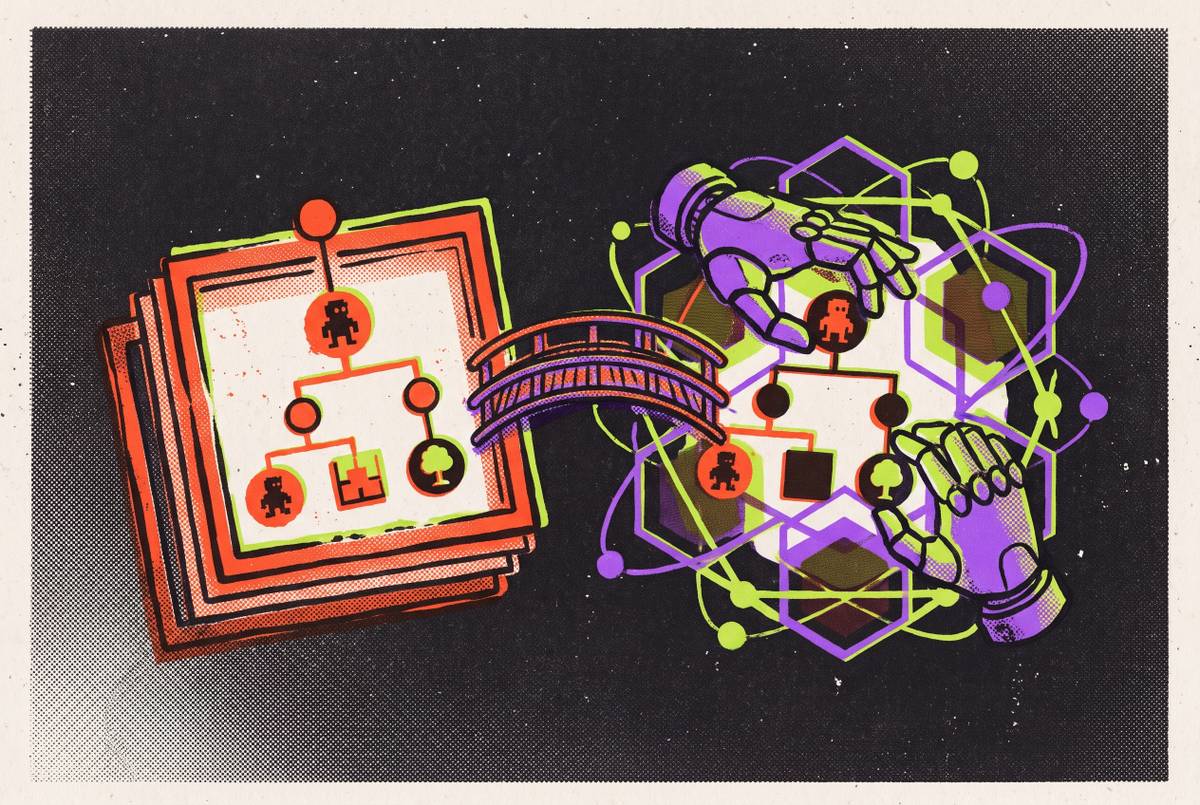
An AI game engine with logic and asset tools in one subscription is useful only if it supports the path from development to publication. This AI Game Engine Evaluation Checklist for Solo Indie Developers tests pipeline coverage, runtime access, asset rights, ownership, and export. A tool’s ability to help one person finish and publish a game matters more than how quickly it generates a demo.
Why solo indie developers need a different evaluation lens than studios do
A solo developer must program the game while also handling design, art direction, audio, QA, community, store pages, and bug triage. When programming consumes the available development time, the other jobs remain unfinished. A studio can share that work among specialists. A solo developer must either do the work personally or choose tools that reduce it.
Raw rendering power, collaboration features, and enterprise support tiers say little about how much work one person can complete across the production pipeline. The engine should be evaluated by how much responsibility it absorbs and how much it returns to the developer. Even a strong code assistant may leave that person to handle art, audio, and publishing through separate workflows. Its coding performance therefore cannot stand in for its value as a development environment.
The dedicated checklist must examine those handoffs. A tool that performs one job well can be a useful component and should be evaluated within that scope.
What “AI-native” actually means in an engine, and why it changes what you can evaluate
The useful distinction between AI-native and AI-adjacent tools is where the AI operates in the development loop. External assistants generate code or assets outside the engine, leaving the developer to integrate and test the result. Editor plugins put help in the editing interface, but access to the code editor alone does not give the assistant access to the live scene tree or running debugger.
In this checklist, an AI-native engine connects the assistant to scripts, nodes, scenes, game execution, and runtime diagnostics. The assistant can write a change, run the game, read an error, and correct its output. This is the write-play-read loop. It distinguishes assistance that produces candidate code from assistance that can investigate what the code actually does.
That distinction changes what a trial can establish. A generated script shows that the assistant can write code, while a fix based on runtime output shows that it has access to diagnostics. Bugs that appear only during play cannot be assessed from file editing alone. Without that access, diagnosis remains the developer’s responsibility even when the assistant wrote the original code.
Does the engine handle development and asset creation in one monthly plan?
The checklist begins by assessing how much of the pipeline the engine closes and what must still be assembled separately. Coverage includes code and scene construction, import-ready 2D and 3D assets, music, sound effects, voice, NPC and dialogue systems, and marketing materials. A subscription that covers several of them should not be assumed to cover the rest.
The evaluation is a gap analysis. A developer may accept external tools where their output justifies the extra work. But an engine that handles code and scenes still leaves the developer with the cost of moving work between tools if art, audio, and marketing stay outside it. Consolidation at the engine layer can remove substantial work because code is the slowest part of indie development, while art and audio generation remain metered.
To compare plans fairly, the developer should map every required external tool, price its subscription, and budget the weekly coordination time. The monthly engine fee is only one input. A single plan earns its value through the work it includes and the handoffs it removes.
Asset generation inside versus outside the engine — the import-ready gate
An asset that looks finished in a generator may not be ready for the project. The vendor’s web viewer is not the engine. Assets made outside the engine therefore need to pass an import-ready gate before they go into production, and generation inside the engine should be tested to see if it saves that same cleanup work.
For 3D output, the concrete checks are GLB/glTF format, scale against a one-meter cube reference, and hero props under 20k tris until LODs exist. PBR material maps must also be present. The commercial license clause belongs in this check before purchase, ahead of Steam page week.
For 2D assets, the recurring failure is style drift across the project. Custom model training on approved assets can help keep the style consistent, but with tools that lack it, the developer must do an art-direction pass by hand on each batch. Choost Games reports that AI-generated sprites achieved a consistent enough identity to ship two games commercially, but that result required specific workflow discipline. Open-ended requests were not the method.
The engine evaluation should therefore follow the asset into the scene. Does the engine import and place it without cleanup by hand, or does the developer still have to do the same prep work elsewhere?
Audio and music — the licensing risk that most checklists omit
Music licensing should be checked before judging how good the generated music is. It is the highest-risk asset category for a shipped commercial game in this checklist. A convincing track does not establish that its license fits game distribution. The relevant test is whether the rights support the intended release and can withstand legal review.
The Munich Regional Court ruled for GEMA on July 31, 2026, finding that Suno trained on protected works without a license and reproduced them in outputs. Universal and Sony filed suit over v6 on September 18, 2026. Suno’s Pro plan offers commercial rights, but that grant does not erase the litigation risk for shipped games. These proceedings are not a basis for predicting future outcomes.
As of October 2026, Udio’s downloads remain switched off, preventing its use in a game audio pipeline. Stable Audio 3 trains on licensed data and clears outputs for commercial use, including games. ElevenLabs Music also trains on licensed data, but its self-serve terms exclude Studio Games, with those rights requiring an Enterprise plan.
For a solo developer, a dispute after launch can threaten the entire project. The developer must therefore check whether the chosen plan lets them generate audio, download it, and use it with the rights they need.
Ownership, export, and platform reach — the questions that separate a game engine from a prototype generator
Ownership and export are hard gates. The developer must establish whether the project files belong to them or remain confined to the platform’s environment. Export capability must then match the intended release, including Windows, macOS, mobile, or console where required. A browser preview does not show whether the engine can export an executable.
Platform reach is a separate gate. The engine must support the developer’s intended route to Steam, itch.io, or mobile storefronts rather than restrict publication to a proprietary storefront. If the intended build cannot leave the environment, development progress cannot become the planned release. Discovering that restriction at the end puts the entire investment of time at risk.
The recommended publishing sequence is itch.io first for testing and feedback, followed by Steam for the polished launch. itch.io supports a developer-friendly upload flow and suits jams, demos, early access, and pay-what-you-want builds. Steam supports wishlists months before launch and is central to PC discovery for many genres.
Publication also requires appropriate AI disclosure. Valve updated its form in January 2026 to focus on content that ships with the game and is consumed by players, explicitly excluding AI-powered developer workflow tools. itch.io does not make undisclosed AI-generated assets eligible for browse-page indexing. Disclosing when in doubt reduces the risk of a platform rejection.
How AI coding assistance inside an engine differs from an external assistant for GDScript work
For GDScript work, what an assistant can diagnose depends on how deeply it connects to the engine, and whether its suggestions fit the project depends on what it knows about the version. External prompts should specify “Godot 4.6 GDScript” to avoid version drift. Common mix-ups are KinematicBody2D versus CharacterBody2D, the return values for move_and_collide versus move_and_slide, and yield versus await.
Claude Code supports multi-step work across project files, including planning, editing, and shell commands. Those capabilities do not by themselves close the game’s runtime loop. Godot AI Assistant Hub embeds assistance in the Code Editor, reads highlighted code, and writes GDScript or documentation using the developer’s own LLM. Its scope does not include the live scene tree or runtime debugger.
Godot MCP Server exposes roughly 150 editor operations as MCP tools, expanding what an external assistant can manipulate. It does not fully close the runtime-loop gap.
Choost Games found that describing bugs in plain language and having AI trace the code was faster than stepping through the debugger for some kinds of bugs, including those where state in one system affects another. That finding supports bounded debugging assistance. The engine test remains whether the assistant can use real diagnostics to correct its GDScript.
The role-coverage test — mapping an engine’s AI against every hat a solo developer wears
The practical worksheet assigns each production role one of three statuses, which are covered, partially covered, or left to external tools. Each status should reflect the work that remains. Generating an output is not equivalent to completing a role if the developer must still integrate, repair, or legally clear it.
For systems design and architecture, AI can pressure-test ideas, identify scope risk, and draft a game design document. It cannot judge whether the game is fun. For programming, it can write boilerplate, scaffold systems, and assist debugging, with runtime access determining how much diagnosis transfers.
For concept and 2D art, the worksheet should record generation coverage and the remaining consistency work. For 3D modeling, props and hard-surface objects can be used for set dressing and prototyping, while organic models and hero characters usually need retopology and clean UVs. For audio, the tools can make music beds, sound effects, and scratch voice lines. Licensing remains a separate condition of usability.
QA coverage includes sorting and reproducing bug reports, but state-interaction testing depends on runtime access. For marketing, the tools can write Steam descriptions, patch notes, press kits, and social copy. Across these roles, AI speeds up the work while the developer makes the choices about taste and direction. Accepting output merely because it arrived quickly risks automating the developer’s voice out of the game.
How to structure your evaluation process before committing to a subscription
The evaluation should begin with a pipeline audit. The developer lists every production role, records native coverage, and prices the external tools needed for the gaps. The calculation includes both full monthly cost and weekly coordination time. This prevents an attractive engine fee from concealing an expensive production stack.
The next step is an export test before meaningful development begins. The developer exports a Windows or macOS executable for the intended target rather than relying on a browser preview, then establishes file ownership and the ability to submit to Steam or itch.io. A runtime-loop test follows with one mechanic and a deliberately introduced bug. The test checks whether the AI identifies and fixes that bug from runtime output.
The asset license audit then examines every generation tool the engine uses or integrates. Before those assets go into a release project, the commercial terms must clearly allow the planned release on Steam and itch.io. The scope stress-test asks the engine’s AI to identify the five systems most likely to cause problems in the planned game. Uncritical approval is a warning sign, while identifying hidden complexity is useful assistance.
Once an engine is chosen, the recommended workflow is to plan the full system in conversation and give one surgical instruction at a time. Each change is tested, failures are fully reverted, and each system is gated before the next begins. Choost reports good results from instructions that spell out a small, clear task and poor results from open-ended requests. A subscription decision should rest on those bounded production tests.