Migrating an Existing Godot Project to an AI-Augmented Workflow
Start with project-aware AI assistance before attempting runtime agents.
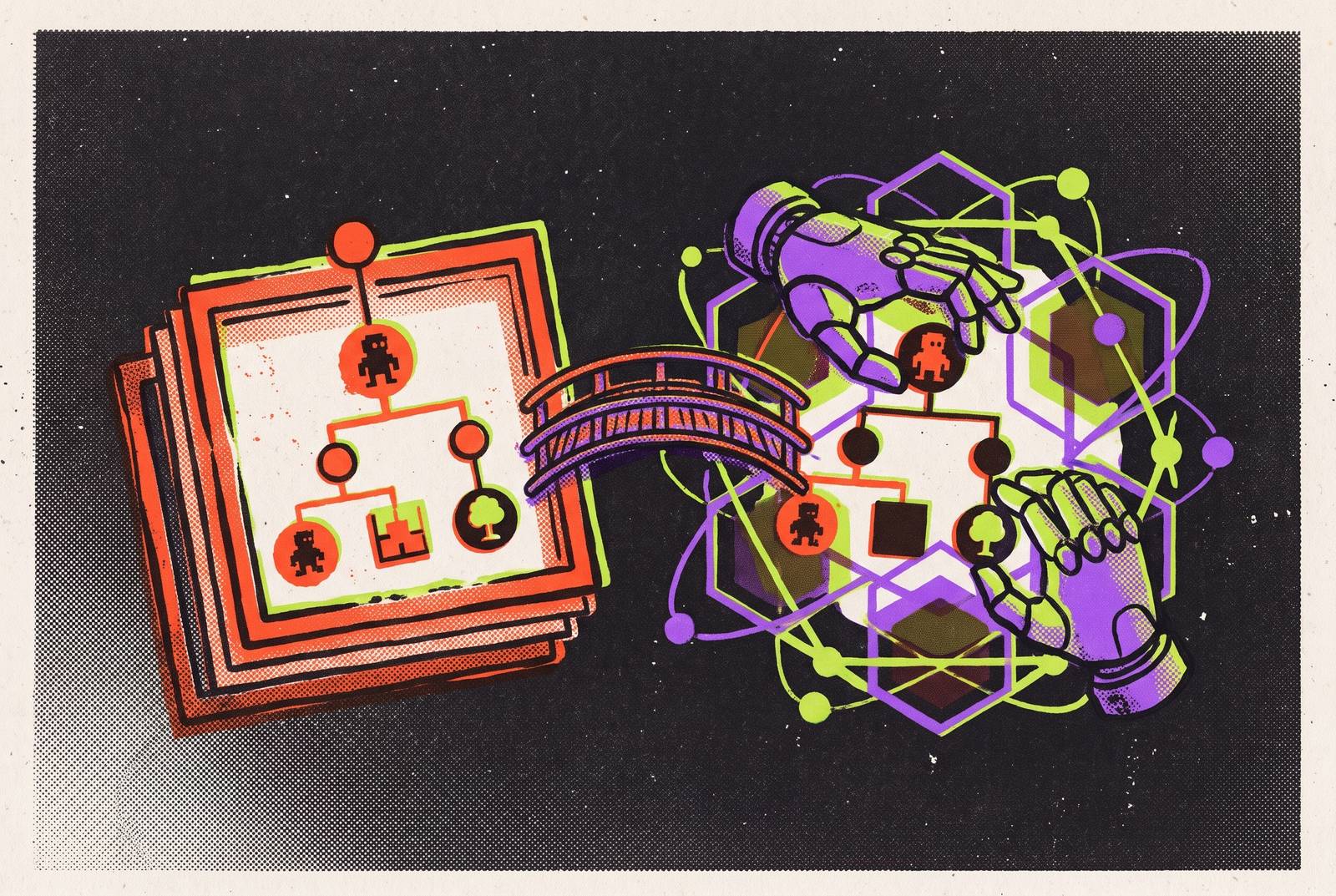
Migrating an existing Godot project to an AI-augmented workflow means giving AI the context and control needed for a particular task. Stock Godot does not ship a built-in AI assistant. The practical progression runs from plain chat to project-aware assistance and then runtime-aware agents, with the developer verifying changes at every level.
Why migrating to an AI workflow is a layered process, not a single upgrade
Wrong node paths, Godot 3 API drift, and fixes that look correct but fail when you press play expose different gaps in an AI workflow. A model may understand a movement script without knowing which node it belongs to. It may write valid syntax without seeing that a signal connection is missing. These are failures of access to the project and its running state.
Godot’s architecture makes much of that context legible. Scenes are stored as .tscn text, scripts as GDScript files, and game data as .tres resources. The official Godot documentation describes TSCN as a mostly human-readable representation of a single scene tree. An assistant with file access can therefore work from the project’s structure.
That legibility does not close the feedback loop. Plain chat cannot inspect files that have not been supplied, while file-aware assistance may still have no way to observe a running game. Context and runtime are separate boundaries. How much the AI can see and act on determines whether it can help with the actual project or merely produce plausible code.
How to audit your existing project before touching any tooling
Before installing anything, look at the dependencies an assistant would need to understand. Count the scripts that use strings to refer to node paths, and check whether the nodes are named in the same way throughout. Establish whether signals are connected in code or in the editor. Identify scenes that depend on global state. A script that seems to stand alone may depend on information elsewhere that changes how it can be safely edited.
Next, identify two or three subsystems with clean boundaries, such as movement, scoring, or UI. These are the first candidates for AI-assisted work. Leave tightly coupled or undocumented systems until the workflow is proven, because readable files do not automatically make dependencies unambiguous. The purpose is a bounded starting point.
Make version control hygiene a precondition for that trial. Every AI-assisted change should go into a commit that can be reviewed, even when it changes several files. This is a recovery mechanism. An agent’s connected edits need to remain understandable as a change that can be accepted or reverted.
The lowest-friction entry point: plain chat used well
Plain chat is useful when supplying the relevant context takes less effort than configuring a deeper integration. An isolated GDScript question or an unfamiliar subsystem can fit that condition. No project connection is required to begin. The developer gives it the problem and gets a suggested change, then must put that change in the right place and test it.
Three habits make this exchange more productive. State the Godot version explicitly, paste the real node tree, and provide the full error line. Each supplies a different constraint on the answer. The version anchors the API, the tree anchors node references, and the error preserves the evidence the model needs to reason about the failure.
The limit appears as soon as that evidence changes. A plain-chat model cannot see the project, edit its files, or run the game. Each suggested fix means another round of copying and pasting. Unless the developer reports the outcome, the model has no evidence that its previous suggestion worked, so even a useful conversation leaves integration and feedback entirely in human hands.
Closing the context gap with a Godot MCP server
Connecting a Godot MCP server is the most useful next step when too much of the work goes into fixing wrong guesses about how the project is put together. MCP, or Model Context Protocol, lets an AI client call tools outside the client. A Godot server can expose the live scene tree, node properties, and project files to clients such as Claude Desktop, Claude Code, or Cursor.
Instead of guessing $Player/Sprite2D, an assistant can read that the node is named PlayerSprite and use the correct reference. The assistant can also read the project data to find its signal connections, collision layers, and input actions. These details are part of the code’s meaning. A reference that looks reasonable in isolation is still wrong if the project names or connects things differently.
Setup takes a small JSON configuration block in the client, with no need to rebuild the project. The server’s documentation explains how to set it up, while the tools it exposes determine what the connection can do. That distinction is important when evaluating the result. Most file-level MCP servers can read and write project files but cannot press play, watch the game, or read a live runtime error, so the assistant is project-aware but still lacks what it needs to be runtime-aware.
What "agentic" actually requires — and where most tools stop short
An agentic coding workflow is defined by verification. A tool that changes five files and says it has succeeded has done the editing on its own. It has not demonstrated that the change works. To close the loop, the AI must be able to run the game, read what breaks, and use that feedback to correct its work.
A double jump illustrates the distinction between answers and integration. In an assisted exchange, the developer requests a movement script, pastes it in, requests the jump, and then discovers that an input action must be added manually. A connected agentic change can add the CharacterBody2D, write the movement and jump script, create the jump input action, bind the keys, and place the node.
Something must press play, watch the game, read debugger and console output, and send those results back as the next intent. External chat windows, terminal assistants, and IDE plugins need more than the ability to edit project files to do those things. Without an engine connection that gives it runtime access, the workflow still depends on the developer to bring back feedback and cannot correct itself.
Choosing the right tool tier for where your project is right now
The right tier depends on what needs verification and how much setup the task justifies. Plain chat still works well for one-off GDScript questions, learning how unfamiliar subsystems work, and debugging a script on its own when all its context is easy to paste. Its manual handoff is not automatically a disadvantage. For a bounded question, that handoff may be smaller than the effort required to connect another tool.
An MCP bridge suits developers who already work in Cursor or Claude and are most frustrated by wrong node references or missing project context. It preserves the existing editor workflow while making the project visible to the assistant. Runtime bugs remain a separate concern. A bridge that solves structural guessing should be judged on that improvement, rather than treated as incomplete merely because a deeper tier exists.
Runtime-aware agents help with a different kind of work, where making a change also means running it and fixing what goes wrong. An in-engine agent can reach the running state that file-only assistance lacks. Deeper integration is justified when that access addresses the current bottleneck. An existing project with clean subsystems may gain more from an MCP bridge than from a full engine switch.
Which model to point at your project, and how to manage version drift
Claude, GPT, DeepSeek, and Gemini are model options, but a name alone does not establish suitability for a particular Godot project. The relevant criterion is idiomatic Godot 4 syntax across the connected changes the task requires. A model’s answer must work with the version in use and do what was asked.
Godot 3 API drift makes that distinction practical. State the project’s version in plain chat and give the model the project context that the chosen integration makes available. These constrain the answer before code is generated. A stronger model still cannot infer an unstated version reliably from a vague request, and greater fluency does not make an incompatible API correct.
The model must keep the intended version consistent while working through nodes, scripts, resources, and input configuration. This is where model quality and tool access meet. The developer’s review should assess the generated syntax against the project version, while runtime feedback establishes whether the connected change behaves as intended.
Integrating AI-generated assets into a live project without breaking visual consistency
Asset generation also calls for matching the tool to the work. The right choice depends on the asset type and whether it must fit a style already established in the project. Generating something plausible is only part of the task. An existing game supplies constraints that an asset generator may not know, just as a scene supplies constraints that an unconnected coding assistant cannot see.
Visual consistency therefore remains an editorial responsibility. Generated art must be checked to see whether it fits the project’s existing style before it goes into the live project. The distinction is between an acceptable image and an appropriate game asset. A workflow that produces assets quickly has not removed the need to judge whether those assets belong together.
Generated music and SFX have the highest risk of content-matching false positives, so cross-check them against your own library before shipping. Keep a record for every generated asset. That log should include the tool, prompt, and date of generation, preserving the generation context even after the asset has been accepted into the project.
The appeal of integrated development and asset creation is reduced handoff between tools. Visual consistency and acceptable audio output require separate acceptance decisions even when both capabilities are available. The same developer who approves a script’s role in the game must retain editorial control over generated content, even when generation happens within a more integrated workflow.
Keeping the human as the verification layer throughout the progression
A running game can still be wrong in ways that a debugger will not identify. An NPC dialogue system may refer to quest items the player can never get, while markers may point to empty terrain. Both can look convincing as generated output. The developer’s knowledge of the game world is the verification layer that connects those outputs to the experience they are supposed to support.
That responsibility applies both before edits are accepted and after an obvious failure. Read each AI-generated change, including the individual edits inside a multi-step operation. Speed does not establish correctness. A change to a script, scene, or resource is a claim about how the project works, and some incorrect claims become visible only when the game runs.
Reviewable commits make that responsibility manageable when an agent gets something wrong. They preserve a recovery path without requiring a search through an undocumented tangle of changes. Runtime access can reduce the developer’s work as the integration layer, but it does not replace understanding what changed. The practical next step is to pick the lowest tier that addresses the project’s current friction, run it on one clean subsystem, and evaluate the result before going deeper.
Sources
- The Godot AI Workflow in 2026: What Agentic Coding Actually Means
- Best AI Tools for Godot Game Development in 2026 (Tested and Compared)
- How to Use AI in Godot: A Step-by-Step Guide for 2026
- The Best AI for Godot Game Development in 2026 (Honest Roundup)
- The Best AI Coding Assistant for Godot in 2026 (Ranked by Real GDScript Work)
- The Best AI for GDScript in 2026 (Honest Model and Tool Roundup)