Why Most AI Coding Assistants Fail GDScript Correction Tests and One That Does Not
A runtime loop, not a smarter model, is what fixes Godot 4 errors.
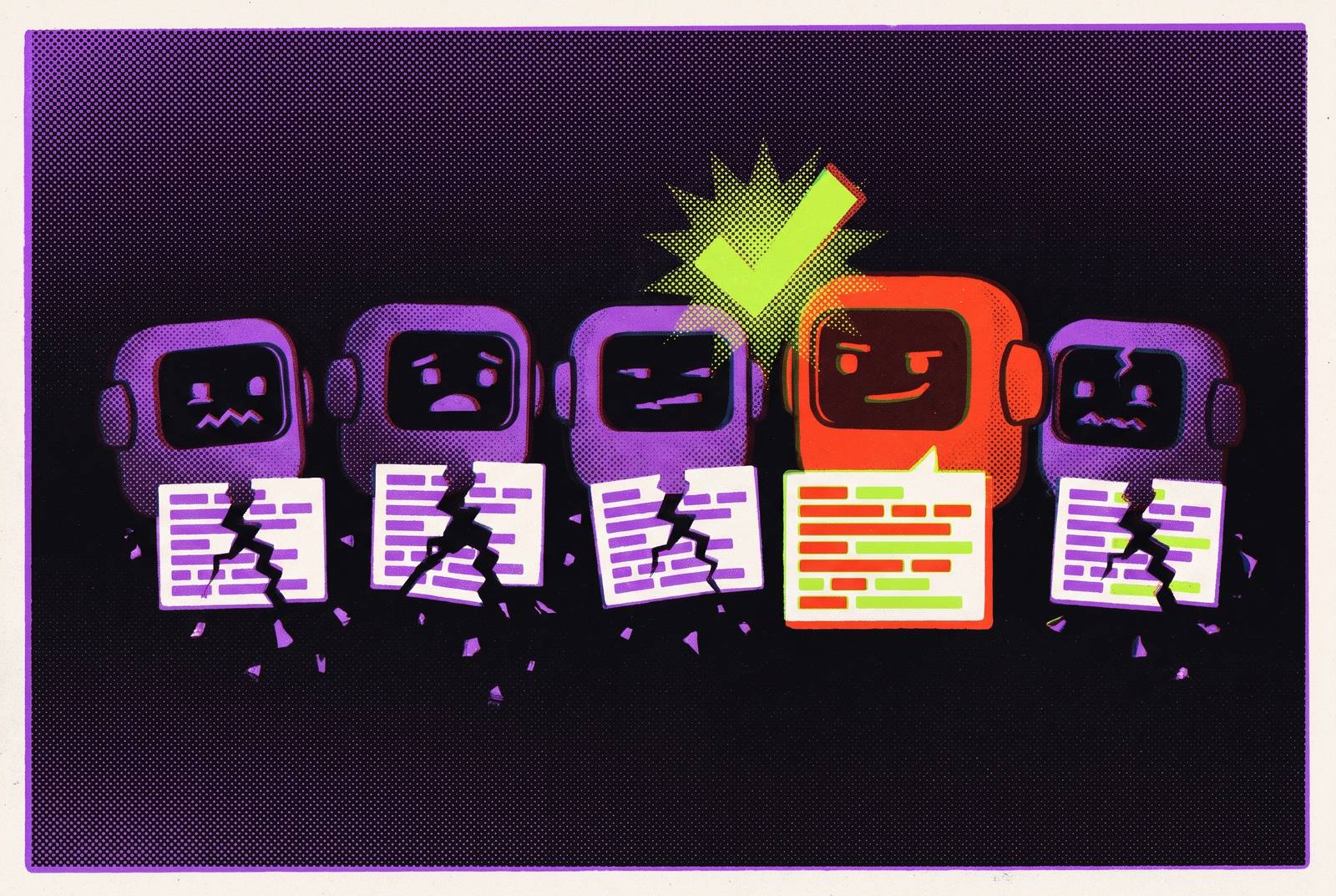
A Godot-compatible AI coding assistant for GDScript needs to do more than write code that looks right to fix its own mistakes. Most assistants struggle with correction because their training data favors Godot 3 patterns, while their tools cannot test those patterns against Godot 4. The decisive capability is a runtime loop that runs the game, reads live errors, and corrects the code from what actually happened.
AI assistants keep writing Godot 3 syntax because much of the high-quality community material available for training (tutorials, Reddit threads, forum answers) predates Godot 4, so older patterns like yield, KinematicBody, and export stay likely next-token choices over await, CharacterBody2D or CharacterBody3D, and @export. No assistant is immune, and stronger models like Claude Opus drift less often. The ones that actually fix their own mistakes are the tools with a runtime loop that runs the game, reads live errors, and corrects the code from what happened. Among the categories described here, that is the AI-native engine approach, while plain chat, file-only MCP bridges, and error-reading plugins leave some of the verification to the developer.
Why do AI coding assistants keep generating Godot 3 syntax, and which one actually corrects its own mistakes?
Godot 4 shipped with a completely rewritten language and dozens of renamed APIs, but much of the high-quality community material available for training predates that change. Tutorials, Reddit threads, and forum answers thus give models plenty of Godot 3 patterns to draw on. Those patterns are still likely choices when a model predicts the next token. The density of older material in training data can lead models to choose familiar patterns incompatible with the target version in any framework with a major API break and a long tail of older documentation.
The resulting mistakes are specific enough to recognize. Models produce outdated forms such as yield, KinematicBody, and export where the project requires await, CharacterBody2D or CharacterBody3D, and @export, respectively. Old tween and signal APIs add another source of drift. These are not failures to understand the broad purpose of a movement script or an animation transition. They are failures to select the language and API forms that the current project requires, even when the surrounding code expresses a reasonable solution.
A model may produce a coherent script yet fail to repair it reliably if the correction draws on the same outdated patterns. Every model in the landscape makes version-drift errors sometimes, though some make them more often than others. The important distinction is what evidence becomes available after a failure, rather than whether the first answer sounds confident.
Why the error looks correct until runtime
Some version mistakes are visible before execution, while others allow generated code to parse cleanly and fail only when a renamed function is called at runtime. By then, the developer may have integrated the snippet, wired its nodes, and moved on. A correction process that stops at readable code or editor acceptance therefore leaves a significant class of errors unresolved.
Project blindness can lead to similar failures in another way. An assistant may reference $Player/Sprite2D when the node is actually named PlayerSprite, or connect a signal that does not exist. The GDScript can look plausible without matching the scene. Version drift comes from older API knowledge, while this problem comes from a lack of project context. A tool can address one failure mode while leaving the other intact, so accurate Godot 4 syntax is not enough to establish that a script will work.
Code-generation research classifies hallucinations into categories including mapping, naming, resource, and logic errors. That taxonomy covers more than runtime-only defects. Errors reached only through particular execution paths can remain unnoticed in a codebase. For Godot developers, verification must therefore connect the generated script to both the actual scene structure and the behavior reached when the game runs.
Why a plain chat window cannot self-correct from a runtime error
A plain ChatGPT or Claude.ai session sees only the material supplied to it. It does not open the project, run the game, or receive debugger and console output automatically. The developer fills in what is missing by adding the code to the project, running it, and sending back the error. That workflow can support useful correction through conversation. The assistant still depends on the developer to get the evidence it needs for its next attempt, which keeps it from autonomous self-correction.
For a self-contained function, that division of work is often manageable. The developer can inspect a small output and provide enough context for a focused revision. When the work spans the project, this way of working can break down more easily because the answer also depends on node names, scene structure, and signal connections. A chat session cannot discover that get_node("Player") points to a nonexistent node until someone supplies the relevant project information or runtime result. Asking it to “fix the script” without that evidence leaves it predicting another plausible solution.
The default editor does not close this gap. At the coverage described in the notes, the official Godot editor has no built-in AI assistant, code generation, or prompt box. Third-party tools supply those capabilities, with different levels of access to the project and its execution. A tool that runs code against real Godot 4 and feeds live errors back to the model can fill this gap. A stronger model can reduce the need for that loop, but cannot substitute for it.
How the four main tool categories stack up against the correction problem
The four categories differ in how much verification they support. The relevant questions are whether an assistant can read the real project, run the game, and inspect a live runtime error. Plain chat cannot do any of those things on its own, but it can still help with learning GDScript and writing standalone snippets. It solves the explanation and drafting problem without changing the development environment. Its limitation is that all project integration and runtime verification remain with the developer.
MCP servers extend an external AI client into the project. With a Godot bridge, Claude Desktop or Cursor can read the real scene files, scripts, and structure, so it can use the project's actual node paths. GDAI MCP connects Claude, Cursor, or another MCP-compatible client to a Godot project, and open-source community options also exist. A file-level bridge grounds edits in the actual project. But a bridge that reads and writes files without pressing play and reading live errors rarely catches runtime version drift, so access to project files does not by itself give the model access to the code as it runs.
Editor plugins move assistance into stock Godot. This category can generate GDScript and C#, edit the scene tree, generate 2D and 3D assets, and read editor and debugger errors, depending on the tool. AI Assistant Hub from FlamxGames is free, open source, community-maintained, and uses a bring-your-own API key approach with backends including Ollama, Google Gemini, OpenRouter, xAI, and local models. Godot AI Suite from MarcEngelGameDevelopment is paid and uses a “masterprompt” approach with an agent mode for multi-step generation across files. Error access improves correction substantially, although reading diagnostics is not the same as watching the game while it runs.
Mebo needs a precise distinction within this comparison. It is a standalone AI IDE and provides a project index, reviewable diffs, documentation grounding, and a diagnostics loop. Its live bridge controls the running editor and requires Godot 4.2+ for live features. Those capabilities make it more than a generic assistant editing text files.
AI-native engines let the assistant work with scenes, nodes, physics, and the game as it runs. Given “add a player character with double jump,” this approach joins node creation, movement scripting, collision layers, and animation-tree connections into one change, then corrects from live runtime errors. Assets can join the same flow, including 2D art, 3D models, audio, and animation. The trade-off is moving from stock Godot to a separate application. Teams invested in editor-specific plugins or a custom editor build may find an in-editor assistant less disruptive, even if they retain more verification work.
How the model choice interacts with the tool choice
Model quality changes how often the correction loop is needed. Claude Opus is the strongest option described for clean Godot 4 output, infrequent drift, and multi-step agentic work. GPT is close on common tasks such as movement, UI, timers, and simple state machines, but falls behind on long agentic chains where context mistakes compound. DeepSeek is the budget option, producing usable GDScript at a fraction of the cost while requiring more correction passes on complex multi-file work. These differences alter the workload while runtime evidence remains necessary.
Cursor is the strongest pure coding option described for autocomplete and multi-file refactors, but on its own treats the project as a folder of text. A Godot MCP server adds structural context without necessarily adding runtime control. Claude Code is strongest among the external options for multi-step agentic work, with file access, planning, project-wide edits, and shell commands. It lacks a live view of the game and debugger on its own, but can gain that access through an appropriately capable Godot MCP server.
A file-only MCP connection and one exposing live runtime information do not provide equivalent correction support. Claude Code also needs a paid Pro plan, and Max plans allow more use, but there is no free tier. The Godot Copilot community plugin acknowledged the underlying training problem early, noting GDScript’s underrepresentation and the complication introduced by Godot 4’s changes.
The strongest objection: explicit version prompting as a partial fix
Developers who consistently state the target version and API shape give the model a stronger constraint than a general request for a movement script. A concrete prompt is “Write a CharacterBody2D script using the velocity property and move_and_slide() with no arguments for Godot 4.7”. Naming both the version and the required API form blocks the Godot 3 default prediction. This manual constraint provides a legitimate improvement.
The constraint must be supplied consistently, however. An omitted version or API requirement re-exposes the older patterns, while even a carefully constrained prompt says nothing about the actual scene tree. The model can use the correct movement API and still reference the wrong node. Nor can the prompt reveal a defect reached only when a particular part of the game executes.
For complex multi-file tasks, that distinction also affects cost. Budget models cost less per prompt, but developers may spend more time on repeated correction passes across many prompts. Explicit version prompting belongs in any workflow as mitigation, with verification still required. It is especially useful when output is small enough to inspect closely. It does not remove the need for a runtime loop when the assistant is expected to correct its own work.
Which Godot-compatible AI coding assistant fits how you actually work?
For learning GDScript or writing isolated functions, plain chat is workable. Setup is zero, cost is low, and the output is small enough to review quickly. AI can write usable GDScript for well-defined work such as state machines, save systems, and refactors. That output needs to be treated as a draft to verify before use. This setup suits developers who are happy to give the assistant the project context and run the tests themselves.
For developers already working in Cursor or Claude, adding a Godot MCP server provides project-aware assistance without replacing the broader workflow. Cursor is the strongest described choice for Godot 4 autocomplete and multi-file refactoring, while the bridge removes node-path guessing. Runtime debugging remains manual with a file-level connection. Developers who want help inside stock Godot can choose AI Assistant Hub, which is free and open-source, or Godot AI Suite for multi-step agentic scripting. Mebo offers a separate IDE route with diagnostics and a live bridge.
For non-technical creators, time-constrained indie developers, and teams that want AI to handle code, scenes, and assets together, an AI-native engine offers the built-in runtime loop. That approach avoids assigning manual diagnosis to the people least equipped to find version drift buried in a scene tree. A separate application may still be the wrong fit for an established editor-dependent workflow.
Sources
- The Best AI for GDScript in 2026 (Honest Model and Tool Roundup)
- The Best AI Coding Assistant for Godot in 2026 (Ranked by Real GDScript Work)
- Best AI Tools for Godot Game Development in 2026 (Tested and Compared)
- The Best LLM for GDScript in 2026 (Hosted and Local, Ranked)
- Godot AI Plugin Guide (2026): What Exists, What's Worth Installing
- The Best AI for Godot Game Development in 2026 (Honest Roundup)
- [2504.20799v2] Hallucination by Code Generation LLMs: Taxonomy, Benchmarks, Mitigation, and Challenges
- Does Godot Have AI? An Honest Answer (2026)