C# vs GDScript AI Assistant Performance in Godot 4
C# generates fewer runtime errors than GDScript in Godot 4.
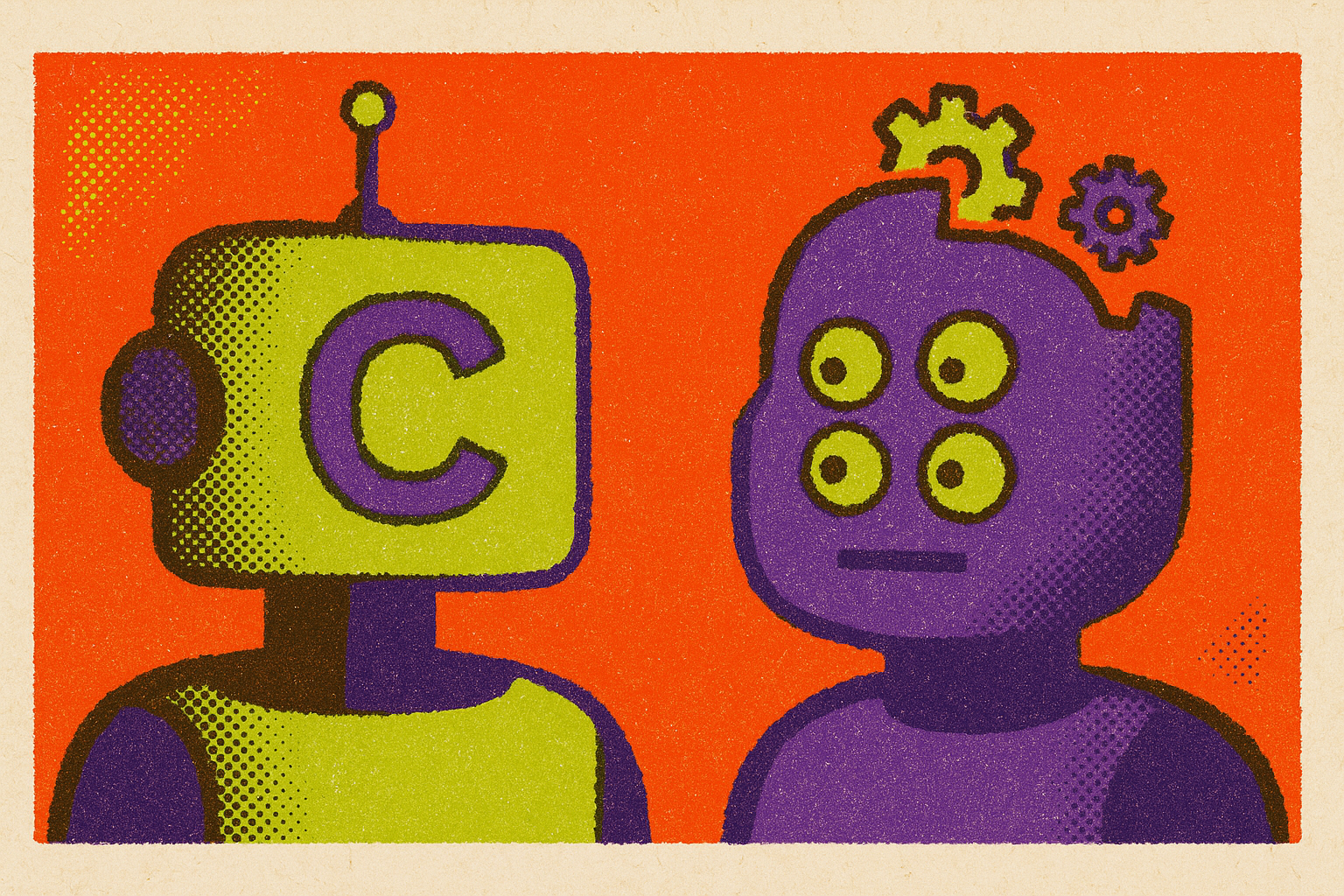
Pairing an AI assistant with a Godot 4 project reveals a pattern fast: GDScript suggestions come back looking plausible and then fail the moment they touch the actual scene, while C# suggestions tend to just work. The gap comes down to training-data density, not model intelligence: C# is a mainstream language with decades of public code behind it, while GDScript exists only inside one engine, with a far thinner footprint for any model to draw from. Layer on the fact that GDScript was rewritten wholesale for Godot 4, changing syntax, API names, and idioms, and the scripting language ends up fighting a volume problem and a version problem at the same time, while C# fights neither.
Version drift as the named failure mode for GDScript AI output
The dominant failure mode in AI-generated GDScript is version drift, not broad hallucination of the kind that shows up in general-purpose coding tasks: the model reaching for Godot 3 syntax because Godot 3 tutorials, forum posts, and sample projects still make up the bulk of what's publicly indexed. The errors are specific enough to name. A model writes yield where Godot 4 expects await. It reaches for KinematicBody instead of CharacterBody2D or CharacterBody3D. It generates calls against the old tween API, or writes export on a variable declaration where Godot 4 requires @export. Every one of these looks like a typo to someone unfamiliar with the engine's history, but each is actually a model reproducing the statistically dominant pattern in its training set, which happens to be two major versions behind.
No current model is immune to this. Stronger models drift less often, but none of them drift never, so the real question for a developer isn't which model has the cleanest track record but which setup catches the drift before it turns into an hour of debugging a scene that looks correct and refuses to run. C# carries no equivalent trap in Godot. The language itself didn't change between Godot 3 and Godot 4, only the API wrapper around it did, and the C# corpus is large enough that a model's general fluency smooths over whatever gaps exist in Godot-specific C# examples.
C# and the training-data trap
C# output tends to hold up better in Godot because models have absorbed so much C# in general that the baseline fluency carries over. C# is a mainstream, decades-old language, and its training corpus includes millions of files that have nothing to do with Godot at all: enterprise applications, desktop tools, web back ends, game engines of every kind. The patterns and idioms in that much larger body of code transfer cleanly into Godot's.NET bindings, because Godot's C# API was built to follow.NET conventions closely.
That convention-following means a model doesn't need deep, Godot-specific C# training data to produce correct Godot C#, because general C# competence already covers most of the ground. GDScript has no equivalent safety net. It exists only inside Godot, so when the Godot-specific training data runs thin or stale, there is no larger body of GDScript-but-not-Godot code to fall back on, because that category doesn't exist. The practical consequence is visible in something as ordinary as a character controller. An AI assistant asked to write a CharacterBody3D script in C# can draw on thousands of structurally similar C# class patterns from entirely unrelated domains and produce something sound. Asked to do the same thing in GDScript, the same assistant has almost nothing to draw on except Godot-specific examples, and a large share of those examples predate Godot 4.
The GDScript vs C# performance gap
Beyond code quality, there's a separate and genuine runtime performance gap between the two languages that varies by workload. A grid-based inventory benchmark, built to compare repeated operations like locating free space in a 10x10 grid and sorting items by position, found C# running 134.25 times faster than GDScript as iteration counts climbed. That scale of difference comes from C#'s JIT compilation, which compounds its advantage as the number of repeated operations grows, while GDScript's interpreted execution pays a per-iteration cost that adds up fast under heavy load.
For the overwhelming majority of indie game logic, that gap simply doesn't come into play. State machines, UI logic, movement code, signal handling: all of this runs at the pace of human decisions and player input, far below any threshold where interpreter overhead is noticeable. The gap becomes consequential specifically in compute-heavy workloads: procedural generation running millions of iterations, large-scale entity simulation, or pathfinding across sizable navigation meshes. In those cases, C# delivers meaningfully higher throughput, and an AI assistant generating C# for that kind of workload produces code that can actually handle the load. The same assistant generating GDScript for the same workload produces code that runs, but runs slower, precisely where speed is the point.
One correction belongs here, because it circulates as a common misconception: a recent Godot release did not add a JIT compiler for GDScript. The roadmap issue tracking a GDScript JIT was closed and archived, and the feature remains unimplemented. GDScript does carry one real advantage that has nothing to do with runtime speed: faster scene reloading and quicker iteration during development, which adds up across a day of repeated play-testing. That's a development-velocity benefit, not a runtime-performance one, and the two shouldn't be confused when deciding which language fits a given project.
How language choice shapes AI-assistant errors in practice
Choosing GDScript over C#, or the reverse, doesn't change whether an AI assistant makes mistakes. Every model makes mistakes. The choice determines what kind of mistakes occur and how easily a developer can catch them before they cost real time.
GDScript errors generated by AI tend to appear only at runtime. A deprecated API call compiles and loads fine. A wrong node path, like referencing $Player/Sprite2D when the actual node is named PlayerSprite, raises no warning until the scene runs and the reference resolves to nothing. A signal connected to a node that doesn't exist sits quietly in the script until the moment it's supposed to fire. None of these fail at write time. All of them fail at run time, which means the developer has to actually play the scene, hit the broken path, and trace the failure back to a specific AI-generated line.
C# errors generated by AI tend to get caught earlier, because the compiler flags a wrong type, a missing method, or an incorrect API signature before the game ever runs. That earlier catch shortens the feedback loop and makes the whole process less dependent on manually running the game to discover a problem. The timing difference carries real weight for non-technical and time-constrained creators, who are generally less equipped to read a runtime stack trace and map it back to the line an AI assistant wrote. A compile-time error with a clear message is a far easier thing to act on than a silent failure three scenes deep.
One interop constraint deserves specific mention because AI assistants rarely bring it up unless asked directly. Godot does not generate C# bindings for GDExtensions, so a project that needs to call a GDExtension from C# code has to route that call through GDScript, taking on a cross-language call penalty in the process. A developer planning a C#-heavy project with GDExtension dependencies needs to know this going in, because it's exactly the kind of constraint an AI assistant will leave unmentioned unless the question is put to it directly.
GDScript fluency rankings and tool architecture
Model choice affects how often GDScript drift occurs, but it's a marginal lever compared to the bigger one: whether the assistant can actually run the game and read its own errors back. That single capability changes effective GDScript quality more than switching to a stronger model does.
Among the models themselves, a 2026 model roundup from Summer Engine ranks Claude Opus first for complex, multi-step GDScript, citing the fewest correction passes needed to get a working script. GPT is a close second, particularly for general GDScript work where response speed matters more than squeezing out the last bit of correctness. DeepSeek is the roundup's budget pick, suited to straightforward scripting where cost is the binding constraint. Claude Opus specifically produces clean, idiomatic Godot 4 code, using await and Godot 4's signal syntax correctly, and it drifts into Godot 3 patterns less often than the other models tested. That edge compounds on longer scripts, where a single stale API call early on can break everything that depends on it downstream. For projects mixing C# and GDScript in the same conversation, GPT handles the language-switching most reliably, and for scenes built around very large .tres resource files, a model with a larger context window avoids truncating the scene partway through.
A second variable matters more in practice than model choice: the tool architecture wrapped around the model. At the simplest end, plain chat interfaces like ChatGPT or Claude.ai have no awareness of the actual project and no way to verify anything at runtime. The assistant guesses node names and has no way to confirm whether a get_node() call points at something that actually exists in the scene. That's fine for learning the language or working with self-contained snippets, and it breaks down fast on anything that spans a real project.
One step up are MCP servers, such as Claude Desktop or Cursor paired with a Godot bridge. These read real project files and scene structure, so the assistant references actual node paths instead of guessing at them, which closes off one whole category of error. They still don't run the game, so version-drift errors that only surface at runtime still land squarely in the developer's lap. Within this category, a few specific tools stand out for what they add. GDAI MCP performs end-to-end testing: it reads errors, updates the script, runs the game, and verifies the result using screenshots. The hi-godot/godot-ai project on GitHub connects Claude Code, Claude Desktop, Codex, Hermes Agent, and other MCP clients to a live Godot editor through 46 tools and more than 120 operations, covering scene construction, node and script edits, signal wiring, and configuration of UI, materials, animation, particles, cameras, and environments. The satelliteoflove/godot-mcp project lets an agent verify its own work by running the game, driving it like a player would, and observing what actually happened, removing the need for a developer to manually ferry screenshots and error logs back to the assistant. GodotPrompter, maintained on GitHub under the username jame581, is an agentic skills framework for Godot 4.x carrying a broad library of domain-specific skills for both GDScript and C# work.
At the top of this hierarchy sit in-engine AI assistants, which generate GDScript and C#, edit the scene tree directly, generate supporting assets, and read editor and debugger errors as they occur. Fixes produced at this level are grounded in what the project is actually doing in that moment. This is the point where runtime self-correction closes a loop that chat interfaces and MCP servers structurally cannot close on their own.
Summer Engine's position in this stack
Summer Engine is in that top tier, and its in-engine AI agent is built specifically to close the loop that every external assistant leaves open. A chat window or an MCP server can read project files and suggest fixes, but neither can press play and watch what the running game actually does. Summer Engine's in-engine AI reads editor and debugger errors as they happen and corrects its own GDScript based on what actually occurred, not on what the model predicted would occur. Because GDScript's errors surface at runtime, it is the language where runtime self-correction pays off the most.
Summer Engine's desktop agent is also built to recognize the training-data asymmetry between the two languages and to compensate for it directly: it defaults toward Godot 4 idioms when generating GDScript, and leans on C#'s much larger general corpus when that language is selected, so a creator's choice of language doesn't become a choice between different levels of AI reliability. Because this version-awareness is built into the in-engine generation pipeline itself, rather than bolted on after the fact through an external model with no project context, Summer Engine can flag or actively steer away from Godot 3 syntax patterns when the target is Godot 4, catching drift before it ever reaches the developer's editor rather than leaving that catch-up as manual debugging work later.
The platform's scope extends past code generation. It generates 2D and 3D assets, edits the scene tree, and exports builds for publishing on storefronts including Steam and itch.io, though store accounts, signing, platform review, and the submission process itself remain in the creator's hands. For a time-constrained creator, that distinction separates a complete production system from a tool that stops at handing over a GDScript snippet. Backward compatibility with Godot, along with support for both GDScript and C#, means a developer with an existing codebase or established habits in either language doesn't have to abandon that work to use it.
None of this erases the real advantages dedicated IDE-focused tools hold in their own lane. Cursor's autocomplete flow and its tab-to-accept typing experience remain faster for developers who live inside an IDE and prefer to run the game manually between edits. GitHub Copilot is a reasonable choice for developers who already have it set up and want strong line-by-line autocomplete without changing anything about their existing workflow. Claude Code handles agentic, multi-file GDScript work capably for developers who are comfortable working from a terminal. Each of these tools earns its place for a particular kind of developer and a particular way of working, and the honest comparison is less about which tool is universally best than about which point in this stack, from plain chat through MCP servers to in-engine agents, matches how a given project actually gets built and tested.