AI Concept Art Tools Compared for Indie Game Pre-Production
Match each AI art tool to the pre-production phase it suits.
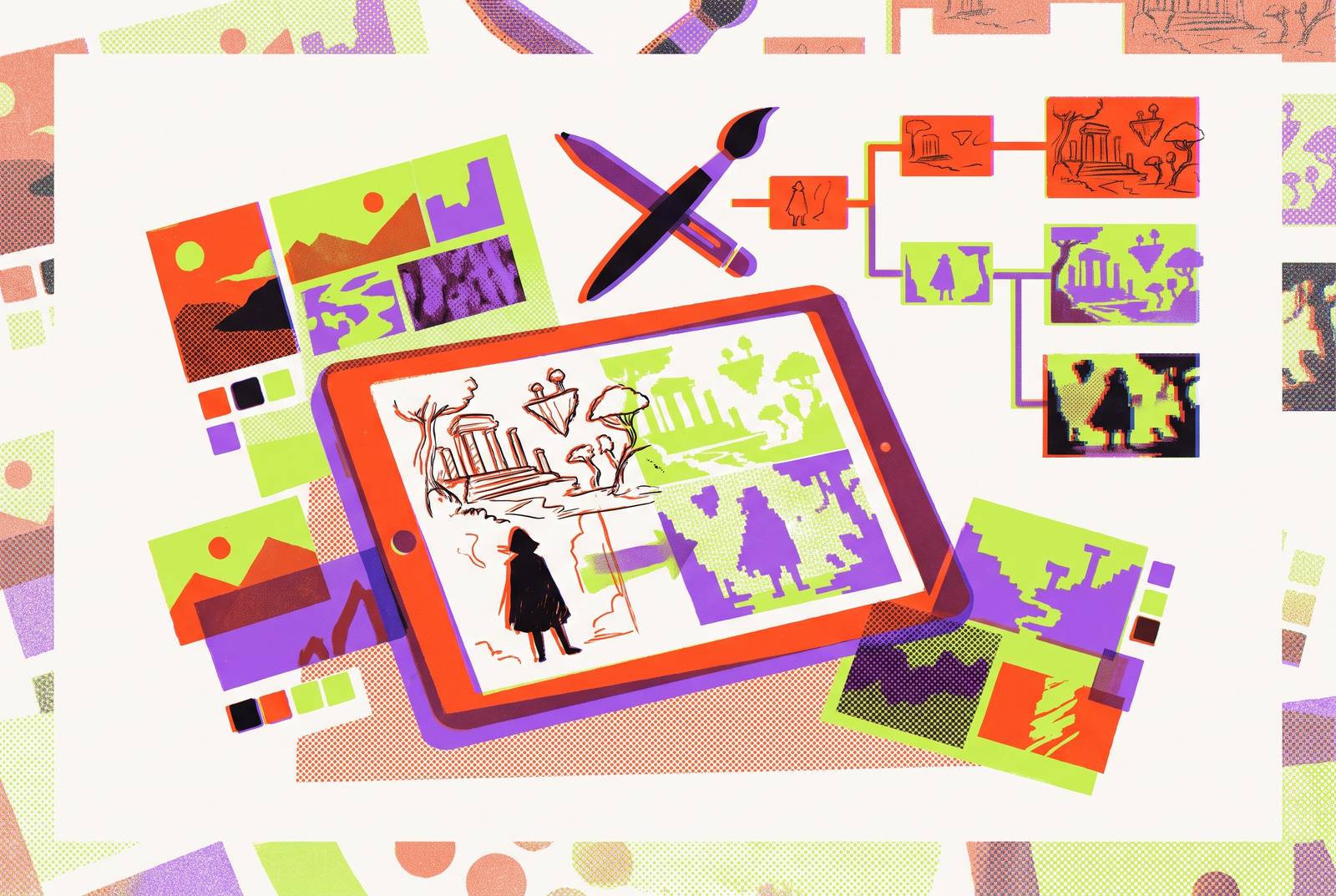
Pre-production concept art for an indie game is a sequence of distinct jobs, mood exploration, style direction, character and environment iteration, style lock, and asset handoff, and each one has a different definition of success. The angle of this piece is simple: picking an AI image tool is not about finding the single best generator, it is about matching a tool's actual strengths to the phase of pre-production a developer is currently in.
Why pre-production concept art is harder than it looks
Most indie teams treat concept art as a single undifferentiated task: generate some images, pick the good ones, move on. That assumption breaks down the moment a project moves past the first week of ideation. Asset handoff asks something different again, a transparent background, a correct size, a format an engine can actually import. A tool built for the first job will often fail badly at the third, and a developer who picks a generator based on how good its sample gallery looks has no way of knowing that in advance.
AI changes the economics of the early phase more than it changes the discipline required later. Now it means a few minutes of prompting. But the floor on exploration dropping does not mean the floor on judgment drops with it. Somebody still has to decide which direction is worth pursuing, and somebody still has to catch the places where a generated image describes something that cannot actually be built. The job gets faster. It does not get simpler.
What separates useful tools from impressive demos
Four properties determine whether an AI concept art tool earns a place in a real production pipeline or merely looks good in a sample gallery. Hold these four in mind, because every tool named in the sections ahead will be judged against them, not against how striking its best output looks on a landing page.
Style consistency asks whether a tool can reproduce the same visual language across many separate generations, or whether the look drifts the moment a developer opens a new session. Export usability asks whether what comes out the other end is something a developer can actually use, a transparent image at the right size in a format an engine recognizes, rather than a flat image with no transparency that needs an hour of cleanup before it is good for anything. Workflow fit asks whether the tool connects to what happens next, engine import, a 3D reference pass, an animation handoff, or whether the pipeline simply stops at the image and leaves the rest of the work to the developer.
A tool can score high on visual quality and still fail the pipeline test. An image can look striking and still describe a building with no structural logic, a character whose proportions make no sense once someone tries to model it, or a weapon whose details contradict themselves from one angle to the next, and that failure of technical accuracy is a workflow-fit problem, because it pushes cleanup work downstream onto the people who have to turn the image into something real. A tool that produces beautiful images but fails on consistency and export usability is a mood-board tool. That is a legitimate role early on. It becomes a liability the moment a team tries to run an entire production through it.
Early-stage mood exploration: tools built for speed and visual breadth
The earliest phase of pre-production measures success differently than anything that follows it. The goal at this stage is not a final look, it is enough visual range, generated fast enough, to figure out which direction is worth chasing. Consistency barely matters yet, because nothing has been locked. Speed and breadth are what count.
Midjourney has become a standard choice for this stage because of its visual range and the quality of its atmospherics. Its weakness appears later: style drifts across separate sessions, so the same prompt run twice a week apart can produce results that no longer match. That is fine for mood exploration, because nothing here is meant to be final. It becomes a real problem the moment a team tries to use Midjourney output as the production style reference.
ZSky AI serves a similar role from a different angle. For a team where budget is the binding constraint rather than time, that matters more than polish. A developer can build out a large library of thematic directions without worrying about metered cost eating into a limited budget, and that kind of volume is what early ideation calls for.
The practical pattern that experienced teams settle into at this stage looks the same regardless of which tool they use: generate a large batch, throw out most of it on the first pass, and then paint over or re-prompt the handful of images that actually earned a second look. The AI handles the volume. The human eye still decides what survives.
Style lock and character consistency: where most image generators break down
Style lock is the phase that exposes the limits of general-purpose image generators, because the test changes from "can this make one great image" to "can this make two hundred images that all look like they came from the same artist." Producing a single striking character design is not hard for most of today's tools. Producing a roster of characters that all share the same line weight, the same palette, the same sense of proportion, is a different and much harder problem, and it is the one that actually matters in production.
When that consistency breaks down, the result is visible to players, not just to the development team. That is the practical cost of style drift: it is not an abstract quality metric, it is something a player notices in the first five minutes of a game. The workable pattern in real productions is for AI to generate the bulk of the work while a human pass handles the pieces that actually define the game's identity, the hero character, the signature environment, the art that a player will remember.
Scenario was built directly for this problem. Because the model doing the generating has been trained on the studio's own style rather than a generic one, drift between outputs shrinks substantially. That makes Scenario a strong fit for item systems, gacha-style collections, or any project with a large character or environment roster that needs to look like a single coherent world.
Stable Diffusion solves a different piece of the same phase. Local deployment also means full control over the model itself, which some studios need for reasons that have nothing to do with image quality.
Adobe Firefly sits in a different category entirely, built around its legal standing. A 2026 survey found that 87% of game developers now use AI tools somewhere in their workflow, and as that number climbs, clean IP documentation on shipped assets becomes a harder requirement to ignore.
Asset handoff and engine readiness: when concept art has to become something usable
The gap between a finished-looking concept image and an asset a developer can actually drop into a project is wider than most people expect going in. Transparent backgrounds, correct pixel dimensions, sprite sheet packing, formats an engine will actually import without a conversion step, none of that is handled by a generic image generator. It is a separate category of work that sits between the image model and the project file, and skipping it does not make it go away.
This is where a dedicated 2D game asset generator earns its keep over a general image model. Ludo is built to cover that full stack: it generates character sprites across more than 30 art styles, animates them into sprite sheets that are already packed and ready for engine import, and extends to tiles, textures, item icons, UI elements, dialogue portraits, and card art, with a style-reference system that keeps the whole set visually coherent. That is the kind of coverage that matters once a project has moved past picking a direction and needs actual production assets.
3D asset generators occupy a similar space with a caveat attached. They can produce meshes from a text or image prompt that work well as props, environment set dressing, or a base for kitbashing, but the meshes that come out in 2026 generally still need retopology, clean UVs, and rigging before they belong in a finished game. Treating a generated mesh as a fast starting point rather than a finished asset keeps expectations realistic.
Workflow fit stops being an abstract criterion once a team reaches this stage. It becomes the test of whether the time saved earlier in the pipeline actually survives to production, or gets eaten up by cleanup later. The worst version of this failure is technical accuracy slipping through unnoticed: an image that looks appealing but describes a structure with no real support, proportions that do not translate into a 3D model, or details that contradict each other from one part of the design to the next. That kind of error creates extra work for 3D artists downstream, and it can erase whatever time was saved back at the concept phase. An AI-native engine like Summer Engine, which bundles a generative asset studio together with full 2D and 3D game creation, closes that gap directly by letting an artist generate, refine, and import concept assets without switching between separate programs to get the job done.
Full-pipeline tools versus best-in-class tools for each phase
Running one tool for mood boards, a second for style lock, a third for asset generation, and a fourth for engine import looks efficient on paper, because each tool is the strongest option for its specific job. In practice, that setup creates friction at every handoff: formats that do not match, naming conventions that do not carry over, context that gets lost every time a file moves from one tool to the next. For a solo developer or a two-person team, that friction is not a minor annoyance, it accumulates into real lost time over the course of a project.
The place where consolidation matters most for an indie developer is the engine itself, not the art tools. Code is usually the slowest part of indie development, so an AI-native engine that can write scripts, build out scenes, run the game, read the errors that come back, and correct itself closes more of the production loop than any standalone art assistant ever could on its own. That is the real argument for an integrated pipeline: the biggest bottleneck in small-team development usually is not image generation, it is everything that has to happen after the image exists.
None of this means a specialized tool stops being worth using. A tool purpose-built for style consistency, like Scenario, will outperform the generative studio inside any integrated engine on that specific, narrow criterion, because that is the one problem it was built to solve. The real question for a given project is whether that consistency gain is worth the coordination cost of running a separate tool outside the main pipeline. For a solo developer working under real time pressure, integration tends to win, because the hours saved on handoffs usually outweigh the marginal quality gain from a specialized tool. For a project where one very specific visual signature is the entire point of the game, dedicated style-lock tooling justifies the extra step. Engines built with AI integrated from the start tend to handle that consistency and refinement loop better, because the feedback between the concept and the implementation is already wired into the system.
A practical decision map for matching a tool to a stage in indie pre-production
The right question for an indie developer is which phase of pre-production they are in right now, and what that phase actually needs from a tool. Answering that question correctly does more to shape a production than any single tool choice.
During early mood exploration, where the goal is visual breadth and consistency does not matter yet, Midjourney is the strongest choice for quality and range, while ZSky AI is the better fit when budget is the hard limit and unlimited generations matter more than polish. When the project reaches asset handoff and needs to get art into an engine in a usable form, Ludo covers sprite sheet packing and the broader 2D asset stack, while an integrated engine like Summer Engine removes the import step altogether by keeping generation inside the same environment where the game is actually being built. For a team trying to cover the full span from early concept through a shipped build, Summer Engine brings generative assets, an in-engine AI agent, multiplayer support, and a publishing pipeline into one tool, free to start, with export to Steam and other real platforms rather than keeping a project locked inside a browser.
Across every one of these stages, the realistic pattern stays the same: AI carries the bulk of generation, and a human pass refines the handful of pieces that actually define a game's visual identity. Budget time and creative energy with that pattern in mind, and do not expect any tool on this list to make the taste decisions for you. AI concept art copyright remains unsettled, and studios shipping commercial projects need to document which elements were human-created and which were AI-generated as they go. It is the record that protects a studio's IP once the game is actually out in the world.