AI Texture Generation Tools for 3D Game Environments
These four AI tools solve different texturing jobs, each with distinct tradeoffs.
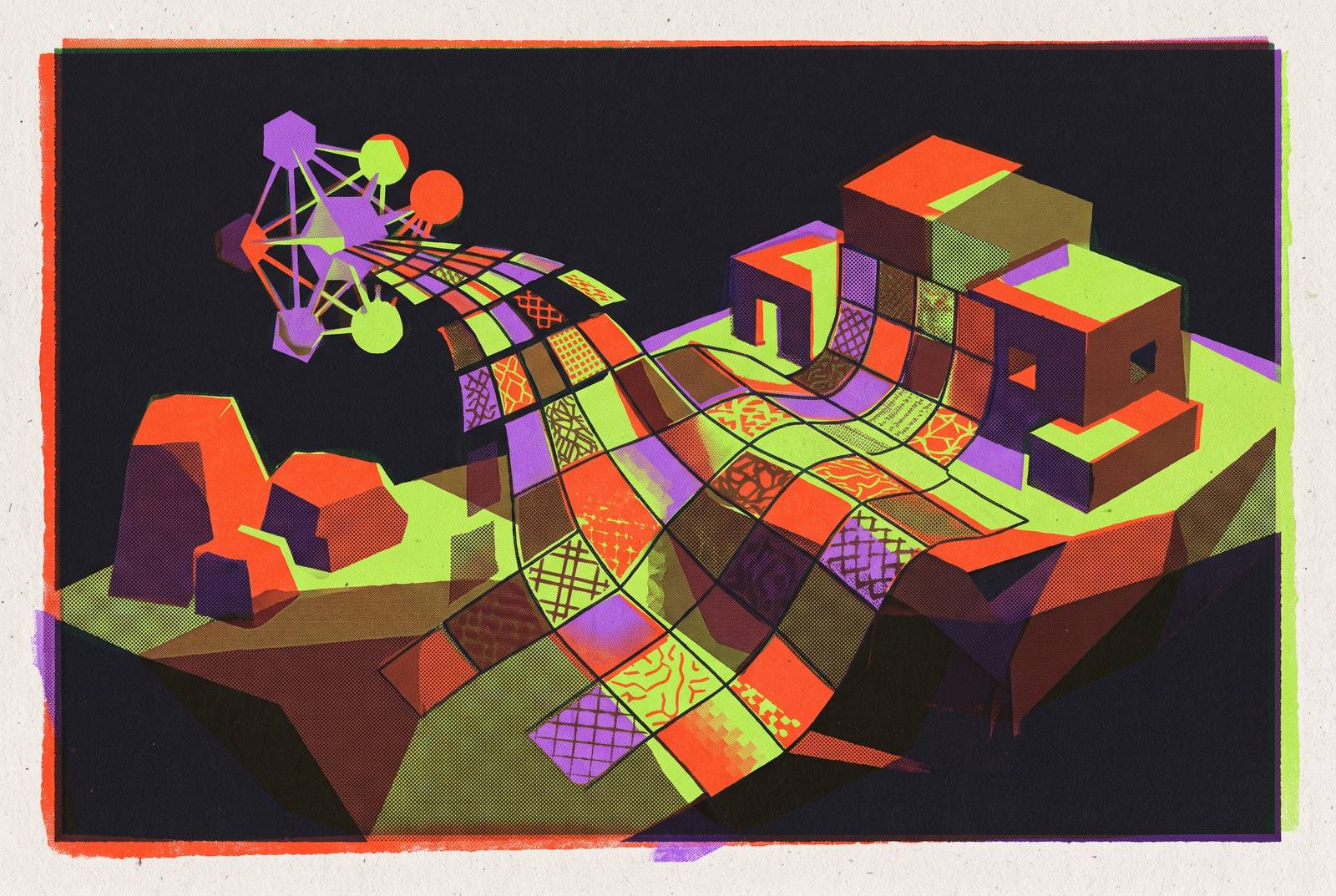
AI texture generation tools for 3D game environments cover four distinct workflows. The right choice depends on the deliverable and the work needed to correct it. A fast pipeline matches generation to the job, then tests the result for material coherence, artistic control, and production readiness.
Why texture work is the production bottleneck AI is best positioned to fix
A complete PBR material is a coordinated set of maps, including albedo, normal, roughness, metallic, ambient occlusion, and optionally height and emissive. Authoring that set by hand can take a skilled artist several hours per material. Because an environment needs many unique materials, this repeated work becomes one of production’s largest time sinks. AI can compress much of the initial generation cost to seconds, making texture work a strong candidate for acceleration.
Some of that speed comes from making maps from a shared latent representation. This gives the channels a common starting point, although it does not remove the need to test their agreement. This can save a lot of time, but only if the output fits the production task. The most common production failure is applying the wrong category of tool to the job at hand.
The four distinct workflows that "AI texture generation" actually covers
The categories differ first in what they deliver. Tileable material generation makes a set of PBR images that repeat across surfaces such as brick, metal, fabric, and ground cover. Mesh-aware retexturing paints onto an uploaded model’s existing UV layout, with geometry and seams shaping the result. Image-to-PBR map derivation extracts editable material channels from a photograph or bitmap. Layer-based 3D painting lets an artist control placement, masks, and material IDs and make fixes to parts of a mesh.
These workflows have different definitions of done. A standalone material can be complete without belonging to any model, while a mesh texture is incomplete if it does not fit its geometry. A derived material must keep the useful information in its reference, while a painted asset must let the artist choose what goes where. Choosing a tool therefore starts with what it needs to make and what it must let the artist fix. Quality within one category does not make a tool a substitute for another.
Tileable material generation: when the surface, not the model, is the deliverable
A tileable material must repeat across a large surface without showing where its edges meet. A result that looks good in one image can show seams when it repeats across a floor, wall, or terrain. Correcting those seams afterward can erase the generation saving. Organic, irregular surfaces such as dirt, gravel, bark, and moss are generally better suited to AI generation than precise architectural patterns. In structured tile work, hallucinated spacing becomes conspicuous when the pattern repeats.
Scenario uses private models trained on a studio’s own concept art to help keep the same style across its material libraries. Polycam focuses on photoreal, scan-trained materials with seamless tiling. ArmorLab is free, open, and local, with photo-to-material conversion and a tiling node, though it requires local setup. Dream Textures is a free Stable Diffusion add-on for Blender that generates seamless textures in context and requires a capable local GPU.
The choice therefore depends on whether the main constraint is art direction, photographic fidelity, offline processing, or the existing authoring environment. In every case, a seamless-looking preview needs inspection of its repeating structure and lighting response before it enters a scene.
Mesh-aware retexturing: when the geometry already exists and the UV layout must be respected
When a model already exists, the task changes from generating a surface to fitting that surface to geometry. A flat-material generator returns an image that still needs to be mapped onto the object. A mesh-aware tool instead works with the model’s UV layout, addressing projection and seam placement as part of texturing. This makes UV awareness more useful than resolution alone. A lower-resolution result that fits correctly can save more work than a sharper image requiring extensive seam repair.
That time saving still depends on starting with geometry and UVs the tool can use. Messy or missing UVs can smear the result regardless of generation quality, so an auto UV-unwrap step should precede retexturing where needed. Meshy supports mesh-aware texturing, automated UV projection and seam placement, complete PBR output, and batch texturing across objects. Its role is therefore different from that of a tool that only produces flat material images.
Tripo AI combines object-level mesh generation with integrated PBR texturing and Smart UV AI unwrapping. Its texturing is tied to its own generated meshes rather than retexturing external assets, so it is not an equivalent choice for an existing model. For hero assets, even a suitable mesh-aware tool supplies a foundation for further refinement. Technical artists still need to refine UVs and correct placement where exact detail matters.
Image-to-PBR map derivation: converting a photograph into an editable material stack
When a reference image already exists, the photograph or bitmap must become separate channels that describe material properties and can each be adjusted. The difficulty is that a photograph usually contains captured shadows and highlights as well as surface color. Those lighting effects must be separated from the albedo before the resulting material can respond convincingly to new illumination. Otherwise, the reference’s lighting remains embedded in a surface that the engine also lights.
Adobe Substance 3D Sampler focuses on material and environment authoring, including image-to-material conversion with adjustable channels and optional lighting removal. It is available through the Substance 3D Collection and the Substance 3D Texturing plan. ArmorLab provides a free, local alternative that derives a PBR set from a photograph, making it relevant where reference imagery cannot go to a cloud service. Polycam’s scan-trained approach works well with real-world captures when the goal is to stay true to the photograph.
Training-data representativeness remains a limit across this workflow. With uncommon or culturally specific surfaces, a model’s learned assumptions may override the reference. The resulting material may be plausible in general yet wrong for the project. Editability gives the artist a way to recover the reference.
Layer-based 3D painting: when placement, masking, and artist control are non-negotiable
Layer-based painting is the right workflow when surface detail must show a specific design choice. Hero assets, characters, and unique props may need readable wear, emblems, labels, or damage in exact locations. In this workflow, human judgment remains primary, and that is appropriate. AI acceleration in the other categories does not remove the need for direct authorship here.
Adobe Substance 3D Painter supports smart materials, masks, UV reprojection, multiple texture sets, custom shaders, and export templates. Adobe’s listed generative AI capabilities are confined to Substance 3D Sampler and Stager. Painter’s relevance is therefore its controlled authoring workflow.
A usable workflow requires spatial control, a workable correction path, and repeatability. An artist needs to repair a seam without restarting and preserve the settings needed for later revisions. A slower initial pass can be the more efficient choice if it leaves an editable asset. Total time through cleanup and export is the useful measure.
The PBR coherence problem that all four workflows share
Once the workflow fits the job, the shared technical risk is disagreement within the PBR stack. A scratch in the albedo needs a corresponding bump in the normal map and a roughness shift. If the channels describe different surfaces, the illusion breaks as the lighting changes. Generating diffuse RGB first and adding normal or roughness through separate passes reintroduces this risk. Each new pass can put details in places that disagree with the other maps, especially near surface edges.
Each generation pass should end with a five-minute acceptance test. View every map separately for inappropriate color information in numeric channels, distinguishing a normal map’s encoded directions from leaked surface color. Tile repeating materials at least 4×4 on a flat plane, then rotate a hard directional light to expose normal errors. Inspect the target mesh at its UV seams and at the expected camera distance. Finally, import the material into the engine shader it will use and check its color-space settings before calling it done.
RomanTex, from Tencent Hunyuan and published on arXiv in March 2025, addresses view inconsistency and seam artifacts through multiview texture generation. Its relevance to production is that coherence remains an active research problem. A convincing preview cannot replace an acceptance test under the conditions in which the asset will be used.
Style consistency at scale: the gap that single-asset quality scores hide
Technical correctness does not guarantee that a material belongs in the environment. Textures made separately can each look good but differ in color temperature, surface character, and the lighting they assume. Small changes in prompt wording can accumulate into visible style drift across a library. The distinction is between a generator that solves one asset and a system that maintains art direction across many. Single-asset quality scores do not capture that difference.
Scenario supports private model training on a studio’s own concept art using as few as 15 reference images. Its custom-trained models anchor generation to the project’s style rather than relying only on the base model’s defaults. This works well for libraries that grow over time and need to keep the same style across many generation sessions. Training time can range from minutes to a few hours, so it is a separate production step.
Locked style wording offers a lower-cost control when custom training is impractical. Batch generation can also reduce style drift across a library. Scenario supports batch generation anchored to custom style models, while Meshy’s 3D Agent relies on reused prompts and reference images for style control. These approaches should not be treated as identical guarantees of consistency.
Copyright, disclosure, and the ownership questions that texture pipelines must answer before shipping
A technically accepted texture still needs a clear authorship and licensing position. The US Copyright Office’s January 2025 Part 2 Report concludes that AI-generated outputs are protectable only where a human author has determined sufficient expressive elements. Using AI for base textures and documenting significant human modification is the recommended mitigation.
Training-data risk is separate from ownership of the final asset. Web-scraped training imagery can create potential copyright liability, so a data audit addresses a different question from whether an artist refined the output. Model weights also have their own licenses, which may limit how they can be used or require revenue sharing. Studios should check those terms before using a model to build a material library for commercial use.
Steam’s reported January 2026 submission wording focuses on content that “ships with your game and is consumed by players,” rather than AI-powered tools used only for workflow efficiency. Steam and itch.io are reported to have AI-content policies, but submission decisions require the applicable platform terms. The disclosure should name which environment textures or prop details used AI and explain how the team checked and edited them. It should distinguish those assets from human-authored work only where that distinction is accurate.
Choosing the right tool for each job: a practical decision sequence
The decision starts with the deliverable and the correction path. For repeating surfaces, test a tile generator suited to the project’s style or fidelity requirements. For textures fitted to existing geometry, test a mesh-aware retexturer. For channels derived from a photograph, test an image-to-material tool. For exact placement and hero-asset finishing, use a layer-based painter.
Most environments need two or three categories together, and managing those tools carries a real cost. To compare tools in practice, use one asset that has the kinds of problems the project needs to solve. Give each candidate the same source and description, time cleanup and export, and record how many attempts reach acceptance. The result establishes fit for that asset and operator.
Before committing, check licensing, privacy terms, credits, and collaboration support against the team’s needs. Where exact regeneration matters, archive source files and record the service version, because model updates can change outputs. The effective pipeline is the one that reaches an accepted, editable, shippable result with the least total work. Matching each job to its workflow is what makes AI’s speed useful.